# Favorites
{% hint style="info" %}
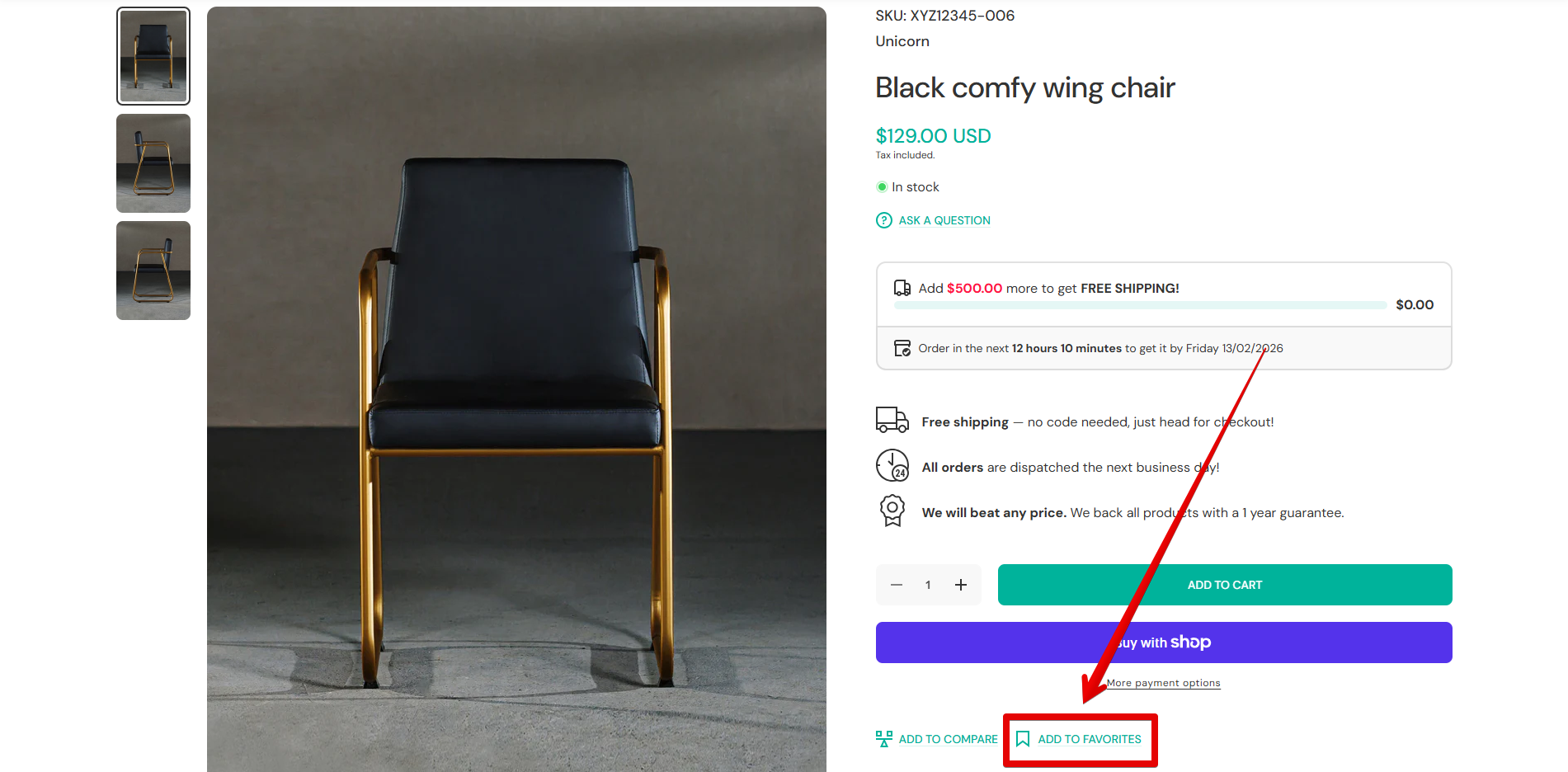
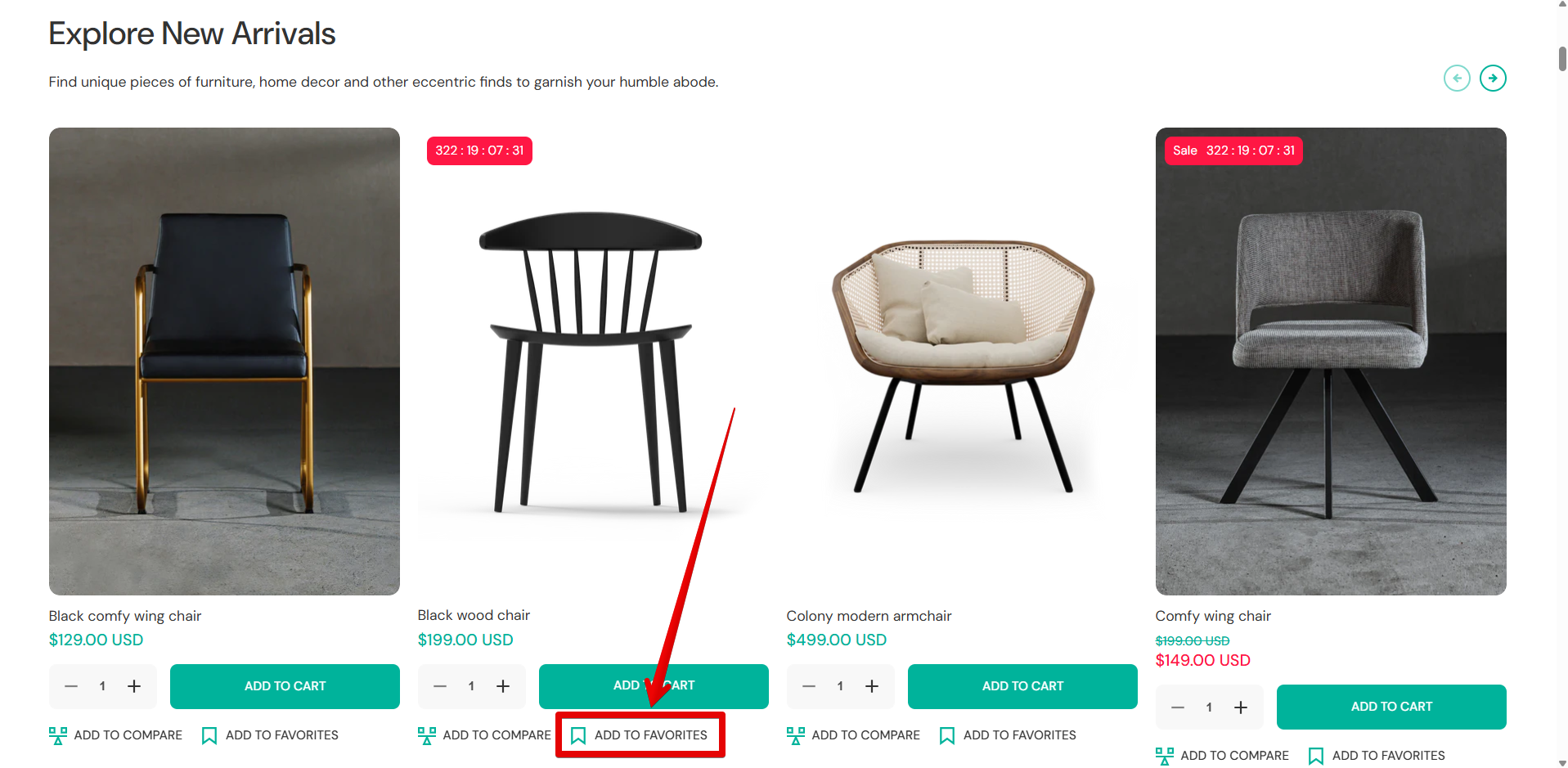
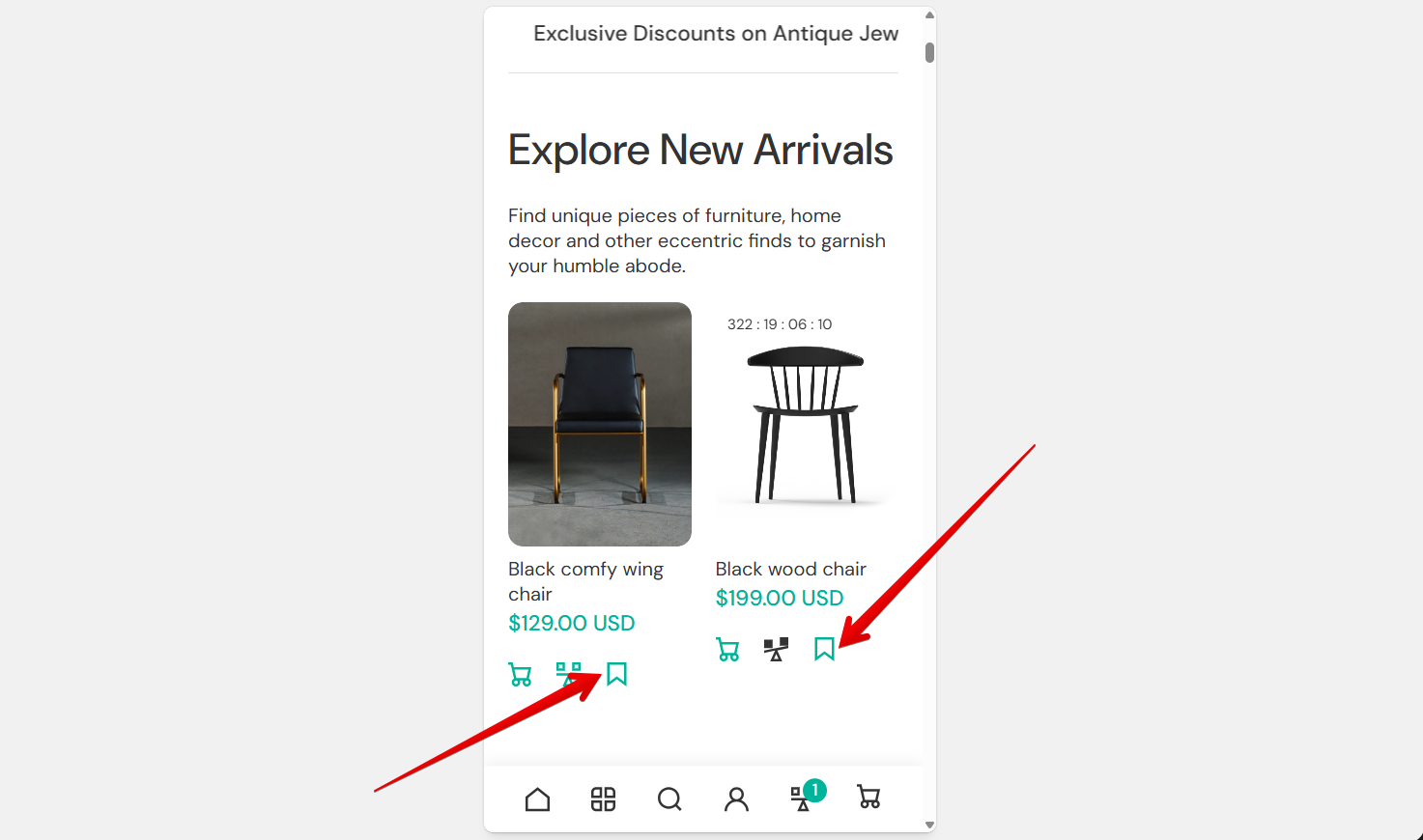
1\. Products will be displayed on the Favorites page after hitting the "Favorites" button displayed on product cards or product pages.
{% endhint %}
{% hint style="info" %}
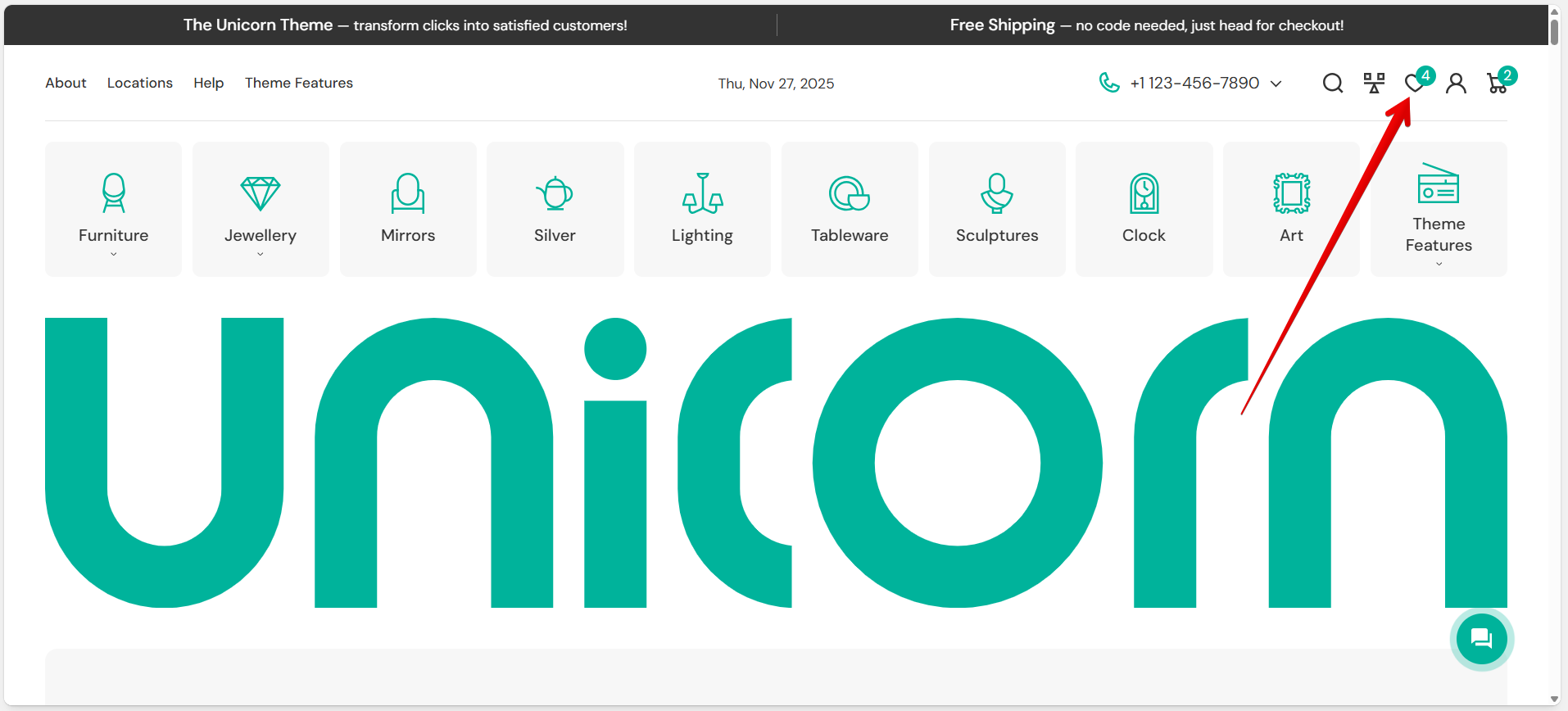
2\. The Favorites page can be viewed after pressing the favorites icon in the Header. Activate the icon in *Theme settings -> Favorites & Compare ->* [*Favorites*](https://mpithemes.gitbook.io/unicorn-shopify-theme/theme-settings/favorites-and-compare#favorites)*.*
{% endhint %}
{% hint style="success" %}
**Tip:** To edit the page, navigate to *Pages -> favorites* using the top drop-down menu.
{% endhint %}
Add a link redirection using the **"Continue shopping link"** source selector. The *"Continue Shopping"* button is displayed on the empty page.
#### **Product card**
Choose the appropriate aspect ratio of the product images in the **"Image ratio"**. You can use one of the options that display well on both desktop and mobile views: "Adapt to image", "Portrait", "Square", "Landscape", or "Circle". Check each image ratio [here](https://mpithemes.gitbook.io/unicorn-shopify-theme/dynamic-theme-sections#content).
Use the **"Information alignment"** picker to decide whether to display the product information below the product card on the "Left", "Center", or "Right" side.
**Show vendor**
Display the product vendor above the product title by simply enabling the checkbox.
Check the following examples of how the page might be displayed on desktop and mobile:
{% tabs %}
{% tab title="Desktop" %}
{% endtab %}
{% tab title="Mobile" %}
{% endtab %}
{% endtabs %}